
Face shape detector
Find your face shape, then choose a haircut
Detect your face shape
Upload one clear selfie for a free estimate, or pick a shape manually without uploading.
Your face shape
Pick a face shape to see up to five haircuts that usually suit it.
Popular cuts to try on

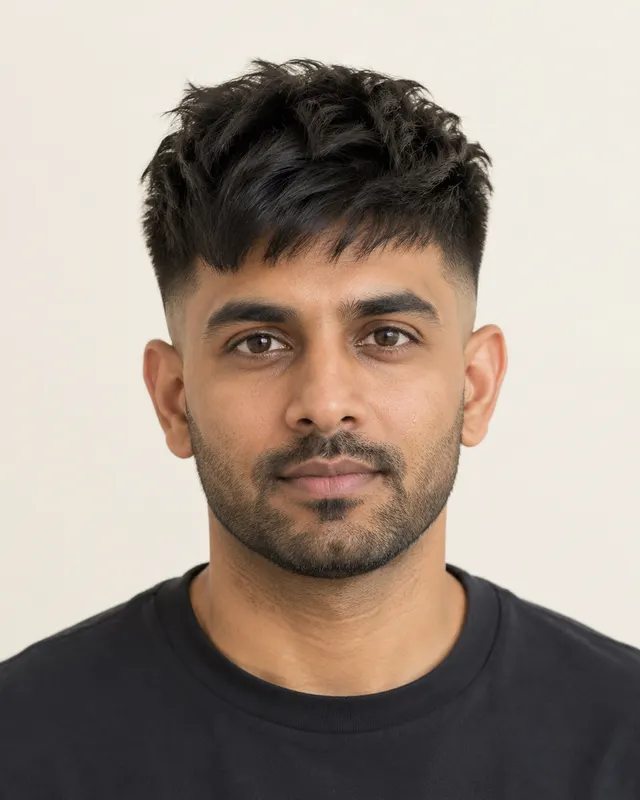
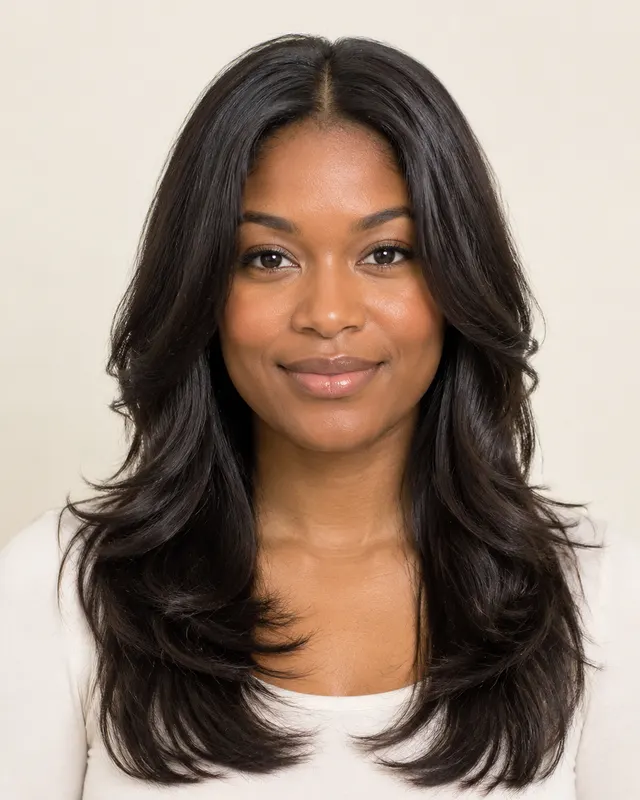
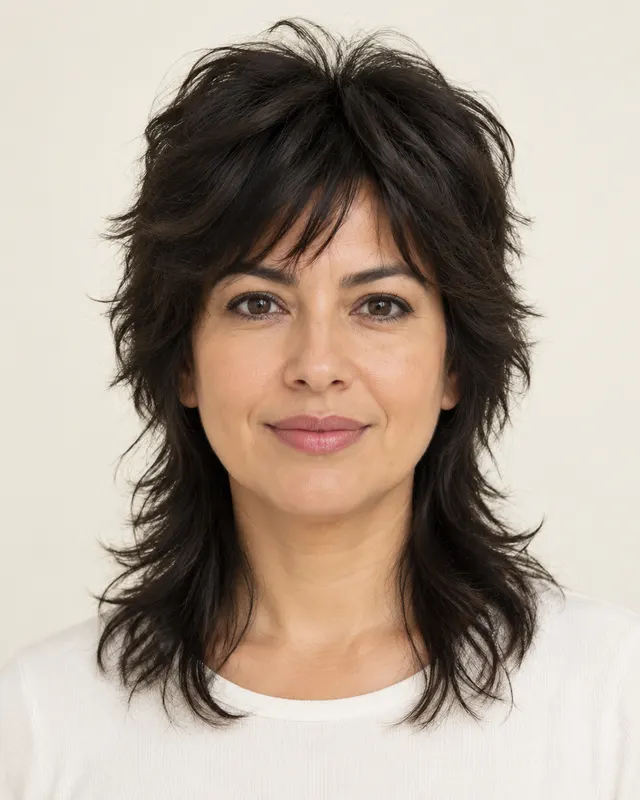
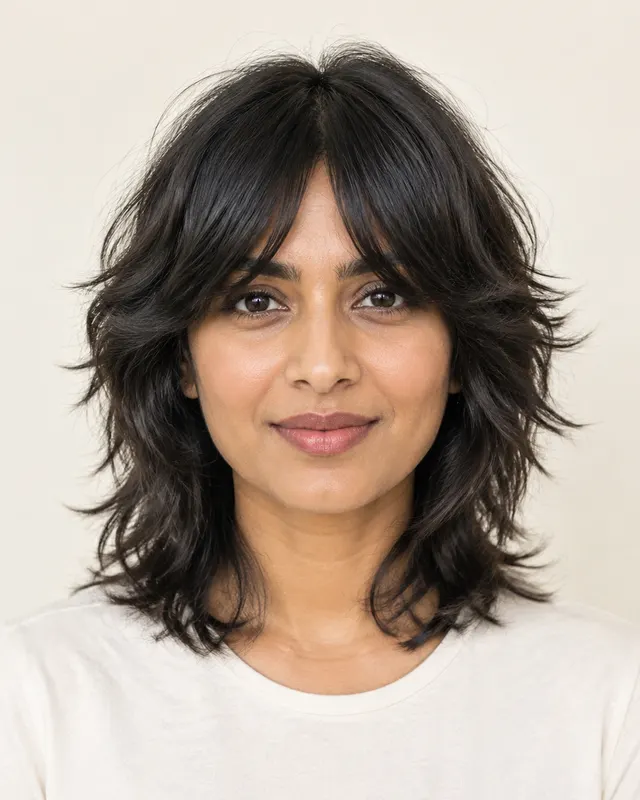
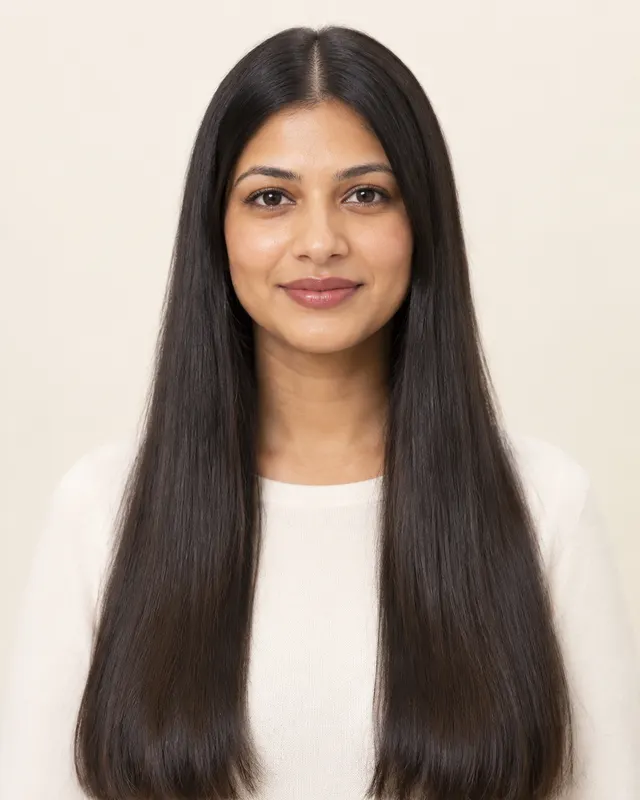
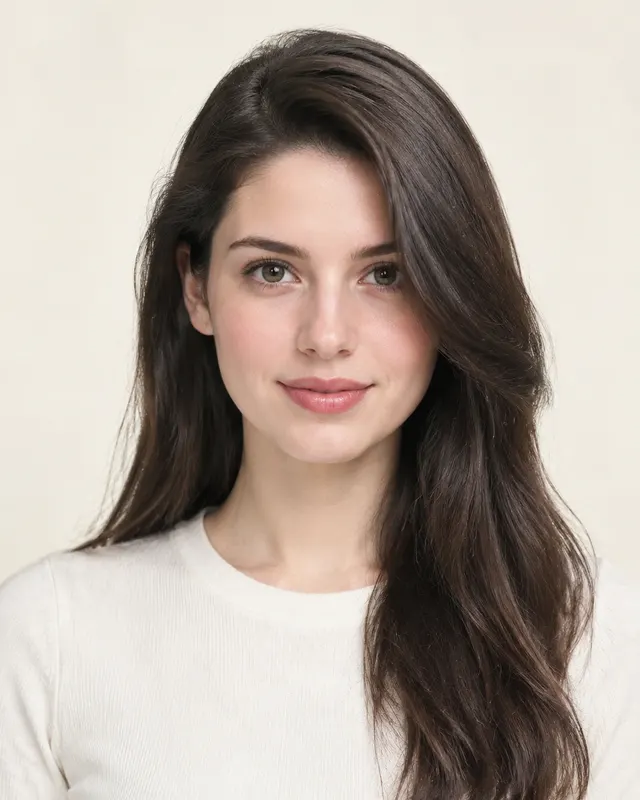
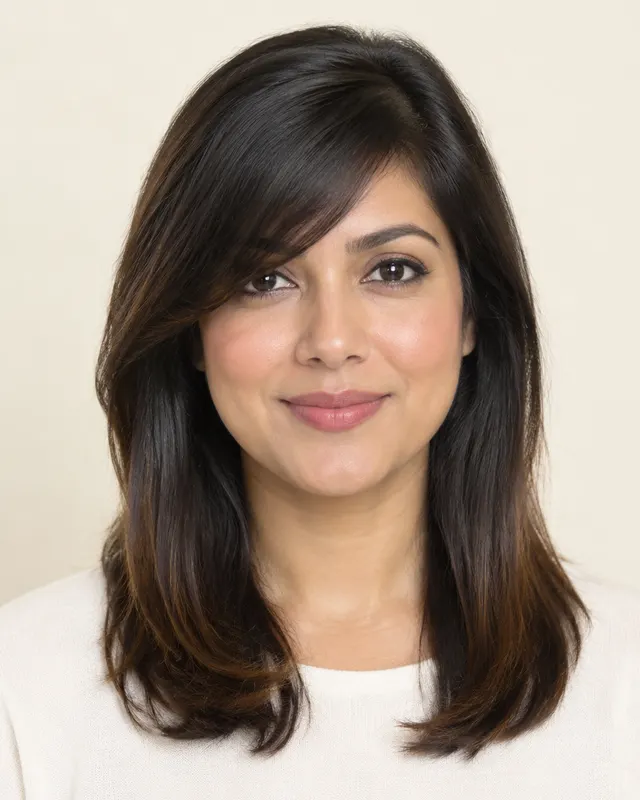
Not sure what face shape you have? Start here. The free selfie analysis looks at a front-facing photo and estimates whether your face is oval, round, square, heart, oblong (long) or diamond. You can also use the manual method below with a mirror or a photo, then open the matching haircut guide.


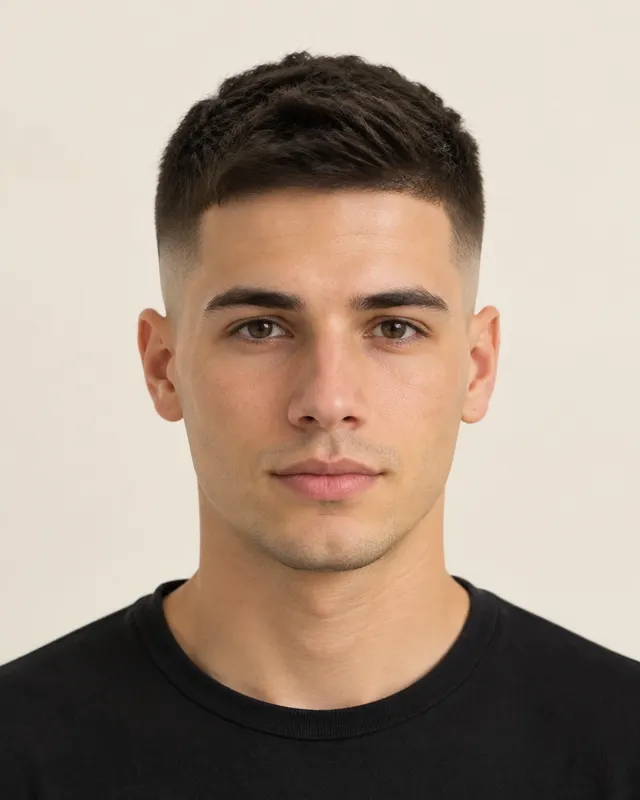
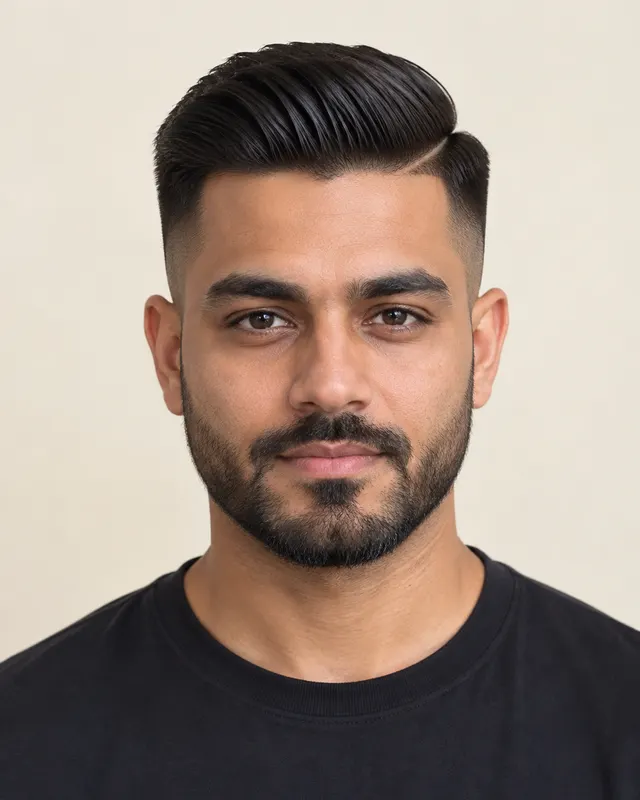

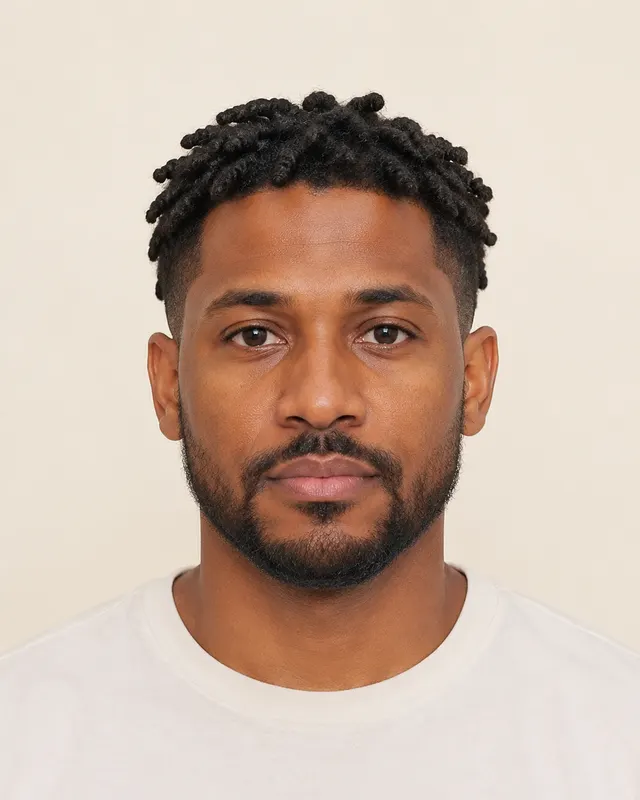
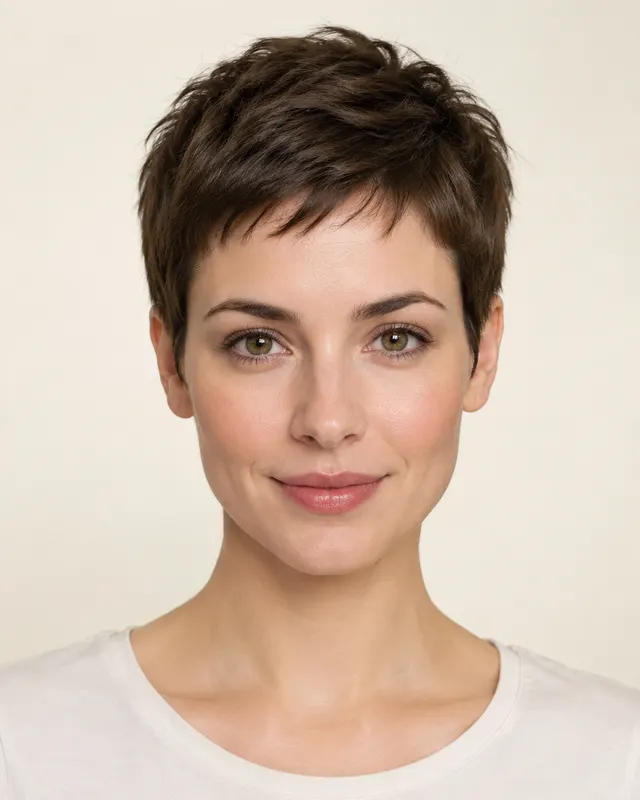



51
haircuts in the library
6
face shapes covered
4
hair textures, straight to coily
Free
AI face shape check
How it works
- 1
Choose your face shape or a selfie
Use the mirror test on this site, or pick a front-facing selfie with your hair pulled back.
 Front-facing · hair off the face · even light
 - 2
See 3–5 haircuts that suit you
Matches come from our list of about fifty cuts, filtered by face shape, hair type, and hairline.
- 3
Preview a cut on your photo
See a chosen cut in the AI hairstyle changer on your own selfie. Your first preview with Google sign-in is free; one-time packs are listed on pricing.

The quick answer: use the free selfie check
For the clearest result, face the camera straight on, keep the phone at eye level, pull hair away from your cheeks and use even light. The analysis estimates your face shape, hairline and hair type, then suggests a short list of cuts. It is a starting point rather than a measurement from a doctor or stylist, so you can switch the result by hand if the outline does not feel right.
The tool does not require an account for the free check. If you later want to see a chosen style on your own photo, open the AI hairstyle try-on after you have your face shape.
How the face shape detector works
The analyzer looks at the visible outline from a front-facing image: how long the face appears compared with its width, which area is widest, and whether the jaw is rounded or angular. It maps that pattern to six common labels. Real faces often sit between two labels, and hair, glasses, facial hair, camera angle and lighting can change what you see.
That is why the result includes a manual picker. If the tool says oval but your jaw has clear corners, compare the square guide. If it says round but your face is clearly longer than wide, compare long and oval. The face shape guide explains those comparisons in more detail.
Measure your face manually in five minutes
You need a mirror or a straight-on photo, a flexible tape measure or ruler, and a pen and paper. Pull your hair back. Measure from the center of your hairline to the bottom of your chin. Then measure across the widest part of your forehead, across your cheekbones just below the outer corners of your eyes, and across your jaw from the widest point on one side to the other.
Write the four numbers down and compare the pattern rather than chasing an exact ratio. Face length clearly greater than width points toward oblong. Similar length and width with full cheeks points toward round. A strong cornered jaw suggests square. A wide forehead with a narrow chin suggests heart. Cheekbones that are widest with a narrow forehead and chin suggest diamond. A gently tapered jaw with balanced proportions often looks oval.
Open the haircut guide for your result
Use the links below to move from a label to practical cuts. Each guide includes women’s and men’s options, hair-type notes, a short avoid list, an embedded picker and answers to common questions.
Face shape guides
Oval
- Start here
- Haircuts for oval faces
Round
- Start here
- Haircuts for round faces
Square
- Start here
- Haircuts for square faces
Heart
- Start here
- Haircuts for heart shaped faces
Oblong (long)
- Start here
- Haircuts for long faces
Diamond
- Start here
- Haircuts for a diamond face shape
Why a label is useful but not a rule
Face shape helps you make a shortlist, but it cannot choose the whole haircut. Hair density, curl pattern, cowlicks, glasses, beard shape, head shape and styling time all change the result. A round face with thick curls may need different layers from a round face with fine straight hair. A long face with a strong cowlick may prefer a side part over a fringe.
Use the label to ask better questions: where should the shortest layer end, how much height should the top have, and how much side length will balance the outline? If you are choosing between bangs and no bangs, the bangs guide gives a separate checklist.
From detection to a preview
Once you know the likely shape, choose two or three cuts from its guide and compare them on your own selfie in the AI hairstyle try-on. The free analysis and guides stay free; paid previews use one-time credits shown on the pricing page before checkout.
Frequently asked questions
What is my face shape?
Use a straight-on selfie with your hair pulled back, or measure face length, forehead, cheekbone and jaw width manually. The free face shape detector above gives an estimate you can adjust by hand.
How accurate is a face shape detector?
It is useful for a first shortlist, but lighting, camera angle, hair and facial hair can change the outline. Treat the result as an estimate and compare the neighboring shape guides when you are between labels.
Can I find my face shape without uploading a photo?
Yes. Use the manual picker above or the five-minute measuring method. You do not need an account or a selfie to read any of the haircut guides.
What are the six face shapes?
The guides use oval, round, square, heart, oblong (long) and diamond. Many people sit between two, so shared advice can be more useful than a perfect label.
Is the AI haircut analysis open?
Yes. Since October 2026 the selfie analysis is open and free, with no account needed: it estimates your face shape, hairline and hair type and suggests cuts. Try-on previews on your own photo use credits. You can also pick your face shape by hand without uploading anything.
What happens to my selfie?
A selfie is used only to produce your result. For the free analysis it is sent to our AI provider and not stored. For a try-on preview it is kept only until the preview is made, and previews are deleted after 30 days, or sooner if you delete them. We do not sell photos or use them to train AI models. The privacy policy has the details.